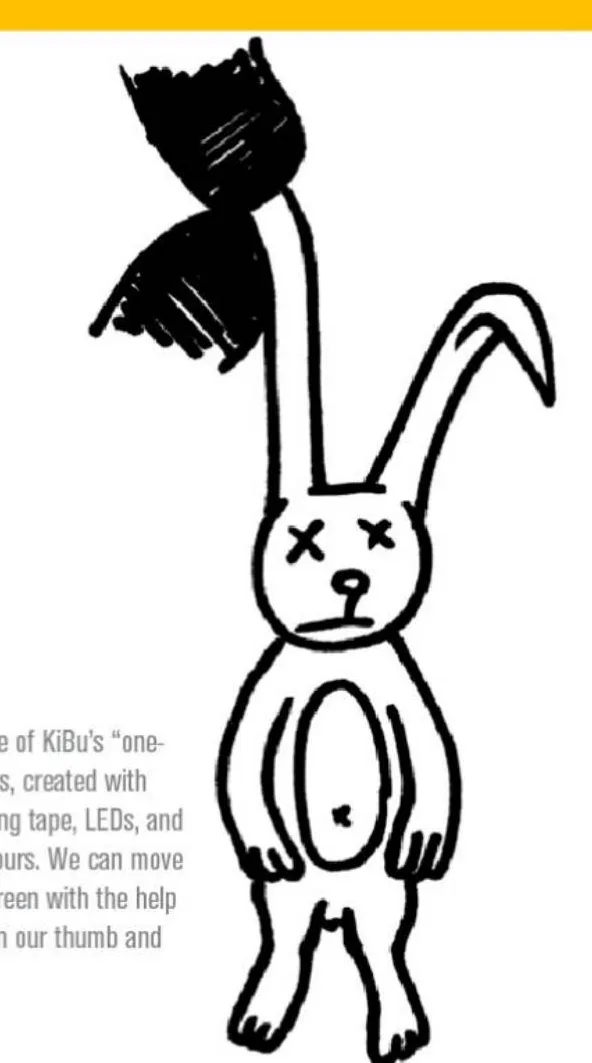
Az IR Finger egy, a KIBU „egydélutános” projektjei közül, szigetelőszalag, ledek, drótok és alig néhány munkaóra eredménye. Egy, a számítógép képernyőjén látható nyulat tudunk mozgatni a hüvelyk- és mutatóujjunkra hozott „kesztyűvel”.
Mire jó?
A lényege az, hogy egyszerű interfész hozzáadásával mozgatni tudjuk a számítógép képernyőjén lévő elemeket. Lehetővé teszi, hogy egy „virtuális kesztyű” segítségével a képernyőn üldögélő nyulat a fülénél fogva megragadjunk, majd tetszőleges helyre vonszoljunk. A nyúlhoz érve úgy tűnik, mintha a fülénél fogva megragadnánk, és az ujjaink között lógna, míg kezünk mozgatásával a nyúl is abba az irányba mozdul el.
Hogyan működik?
A mutatóujjon diffuz infraledek találhatók, ezek fénye szabad szemmel nem látható, de a számítógép webkameráján egy erős fénypontként jelenik meg. A normál (szemmel látható) fénytartományt a kamera elé tett infraáteresztő szűrő kiszűri, így az egyetlen fényes pontot (a mutatóujjon lévő infraledet) egérmutatóként lehet használni. A hüvelykujj és a mutatóujj összeérintésével gombnyomást is lehet szimulálni.
IR Finger is one of KiBu's "one-afternoon" projects, created with the use of insulating tape, LEDs, and wire within few hours. We can move a rabbit on the screen with the help of a "glove" put on our thumb and forefinger.
Fields of use
We can move the objects on the screen with the use of a simple interface. IR Finger enables us to grab the rabbit on the screen by the ear and drag it to any place with the help of a "virtual glove". Touching the rabbit feels like grabbing it by the ear, and holding it between our two fingers and when we move our hands, the rabbit seems to follow our gesture.
How does it work?
The light of the "diffuse infrared LEDs" on our index finger is imperceptible to the human eye, but the web camera connected with the computer identifies it as an intense luminous spot. Filtering the spectrum of light with an infrared transmitting filter, the only luminous spot will be the infrared LED on our forefinger, which can thus be used as a cursor. By touching the thumb and the index finger, we can even simulate a keystroke.